
|
Go to the "Settings" screen. |
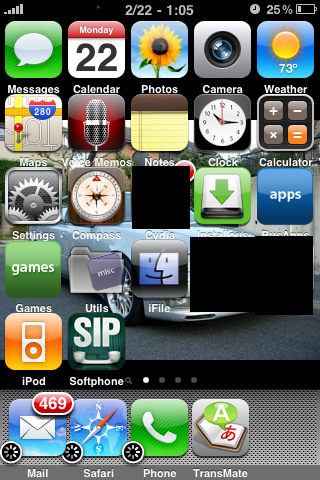 |
|
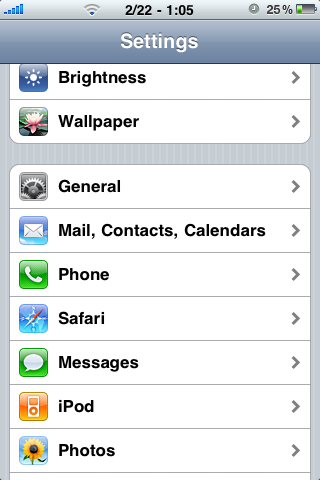
Tap "General".
|
 |
| Tap "Network". | 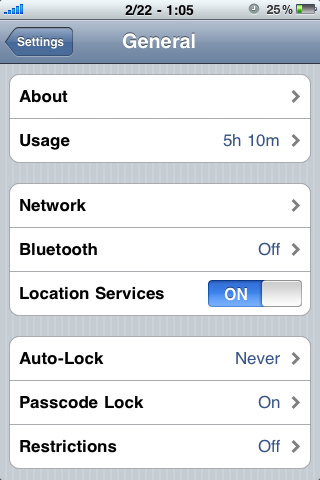 |
|
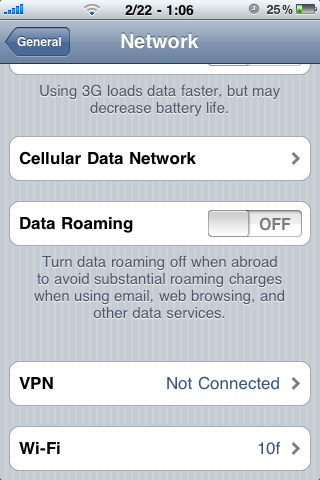
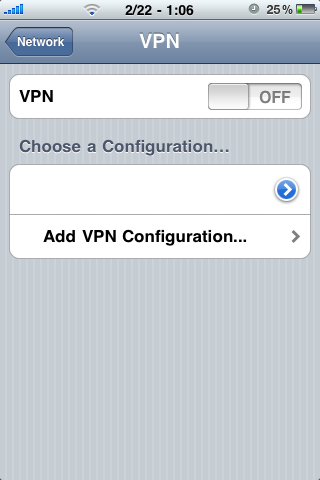
Tap "VPN". |
 |
Tap "Add VPN Configuration". |
 |
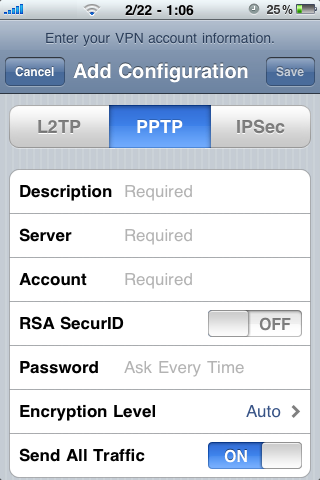
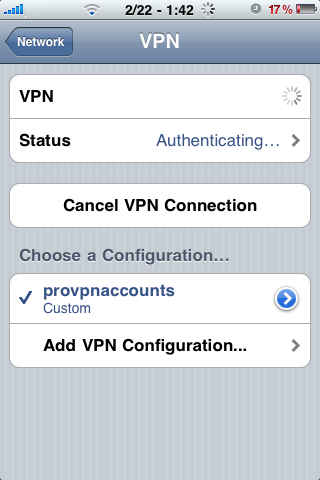
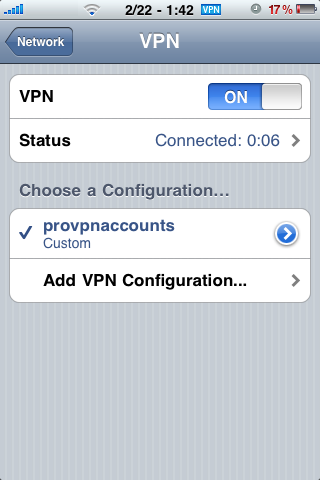
At the top Choose "PPTP" Enter "provpnaccounts" as the description (it can be any name) Enter the "IP Address" in the Server field (sent to you in the "Setup Information" e-mail). Enter the "username" under the "Account" field (sent to you in the "Setup Information" e-mail). Enter the "password" under the "Password" field (sent to you in the "Setup Information" e-mail). Tap the "Save" Button You will now be back at the "VPN" screen, just tap the "Off" button to connect to the VPN. |
   |
iphone, vpn, proxy, quot, settings, configuration, pptp, provpnaccounts, ip, server, username, password,